New ASC Website
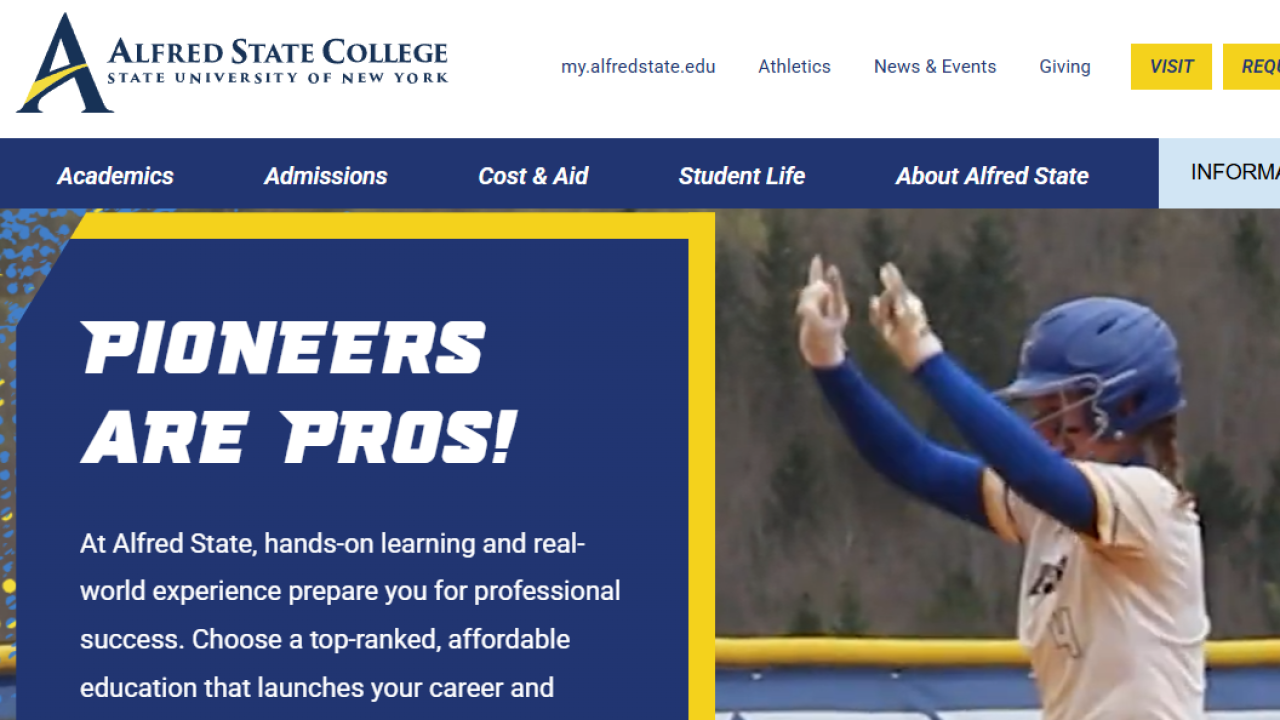
Alfred State launched a brand-new website yesterday.
This project also allowed us to refine how our digital platforms serve different audiences:
AlfredState.edu – Focused on recruitment and showcasing the Alfred State experience to external audiences.
Student Portal – Dedicated to internal services for current and accepted students, faculty, and staff.
College Catalog – The official reference for courses, departments, and program information.
The website and catalog launch tomorrow, September 4. In the weeks ahead, we will also launch an all-new student portal, ensuring all three platforms are aligned and future-focused.
Over the coming weeks, we’ll continue updating pages, restoring links, and refining content. This is normal for a project of this size, and your patience is appreciated. If you notice an issue, please report it here: Website Feedback Form.
How to Log in to the New Alfred State Website
- Go to www.alfredstate.edu/login
- Under the Username and Password boxes, you’ll see “Log in with Alfred State Account.” Click this button to log in with your Alfred State credentials.
- Once you’ve entered your credentials, you will be brought to your user page. On the righthand side of your screen, you’ll see a series of blue buttons. Click “Faculty/Staff Directory.”
- This will enter the editing screen for your profile. Make any changes needed and scroll down to the large, blue “Save” button. Click “Save” when all edits are complete.
- Please note that editing is only available on directory profiles. If you have edits or concerns for additional pages on the website, please submit them via the Issue Report Form - For the next month, all changes to other webpages must be completed through the Marketing Communications team.